
Get In Touch With Us!
Welcome to the
PipBack Extension
PipBack helps you find and apply available partner discounts on supported prop firms.
Easy Steps to Follow
PipBack automatically finds and applies available partner discounts on supported prop firm checkouts.

3-Step Flow
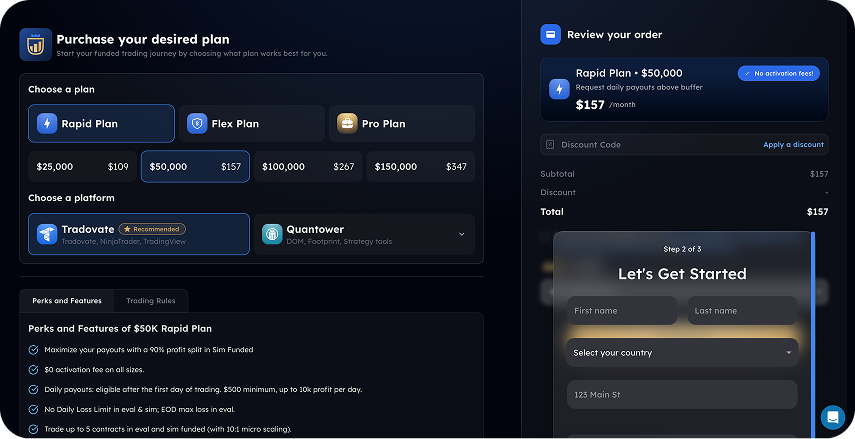
Visit a supported prop firm
Browse your preferred prop firm's website as normal.
Never Miss A Discount
PipBack finds available partner offers and helps apply them with minimal effort.
Discount Code Applied
Code PIPApply with one click
It enters the code for you and confirms the discount whenever possible.
Get PipBack Discounts Automatically
Install the Extension and automatically apply available discount codes on supported checkout pages.

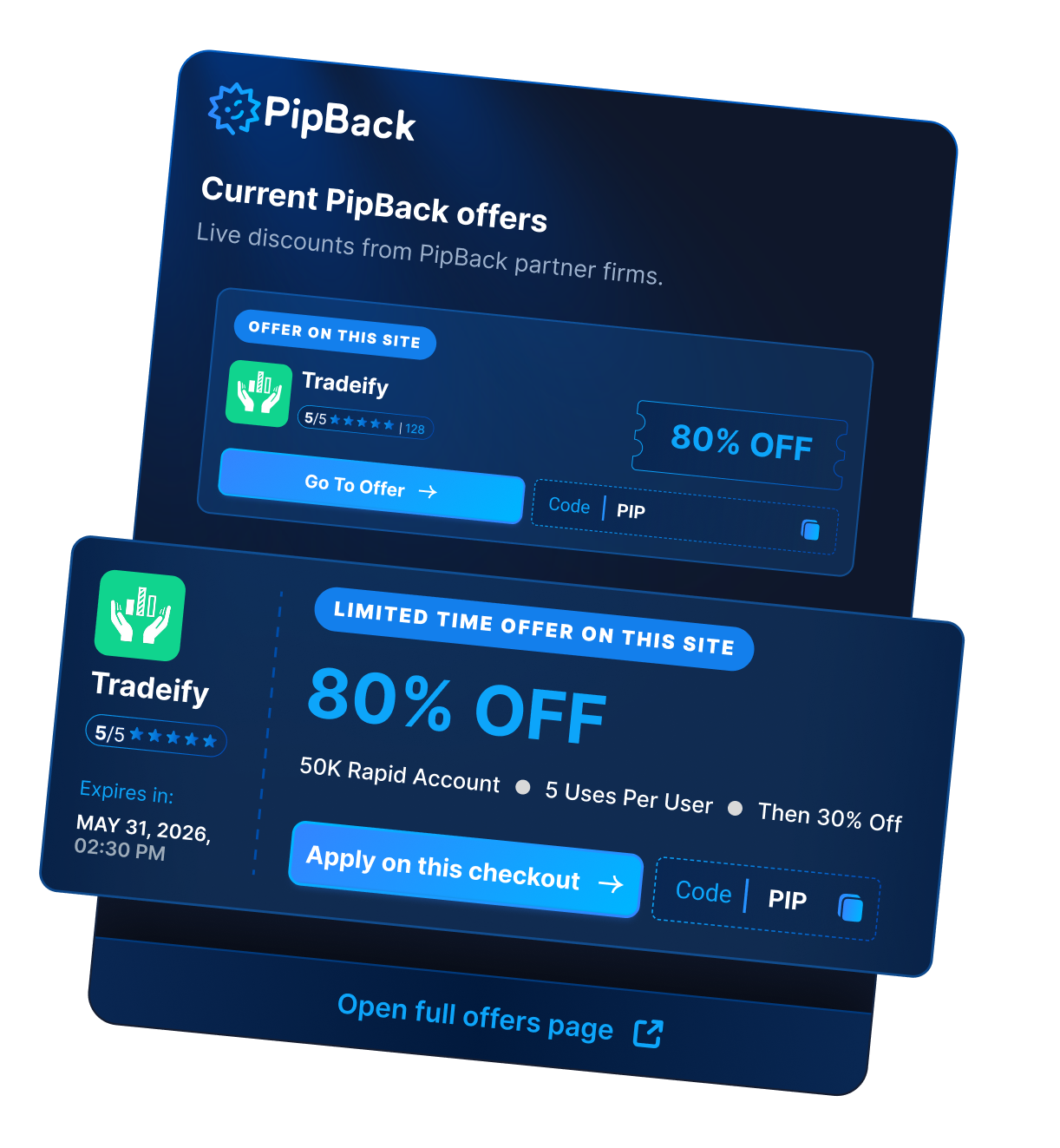
View All Current PipBack Offers
Click the PipBack extension icon in your browser toolbar to view all live partner offers in one place.
Why Use The PipBack Extension
Save time at checkout, stay informed about available promotions, and never miss a partner discount with our tactical fintech companion.

Never Miss A Discount
PipBack checks supported checkout pages for available partner discounts so you don't have to search manually.
Apply Codes In One Click
PipBack helps apply eligible discount codes automatically, reducing manual copy and paste.
Quick Access To All Offers
Open the extension anytime to browse current discounts from PipBack partner firms.
Works In The Background
PipBack stays out of the way and only appears when a supported offer is available.
Never Miss A Discount
PipBack checks supported checkout pages for available partner discounts so you don't have to search manually.
Apply Codes In One Click
PipBack helps apply eligible discount codes automatically, reducing manual copy and paste.
Quick Access To All Offers
Open the extension anytime to browse current discounts from PipBack partner firms.
Works In The Background
PipBack stays out of the way and only appears when a supported offer is available.


Get PipBack Discounts
Automatically
Install the Extension and automatically apply available discount codes on supported checkout pages.
How The PipBack Extension Works
From finding a discount to applying it at checkout, here's exactly what you'll see when using the Extension on supported partner sites.


View All PipBack Offers
Click the PipBack extension icon at any time to browse current partner discounts.
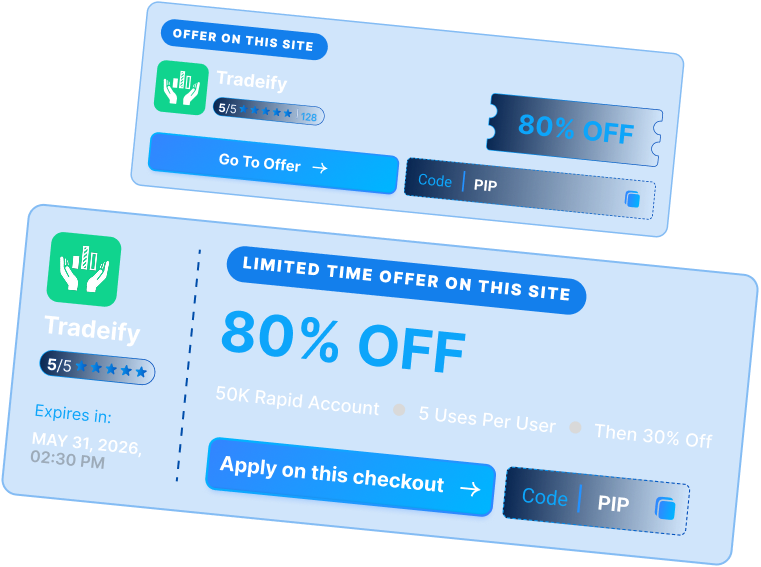
Offer Available On This Site
When you're browsing a supported prop firm website, PipBack highlights the available offer for that firm.
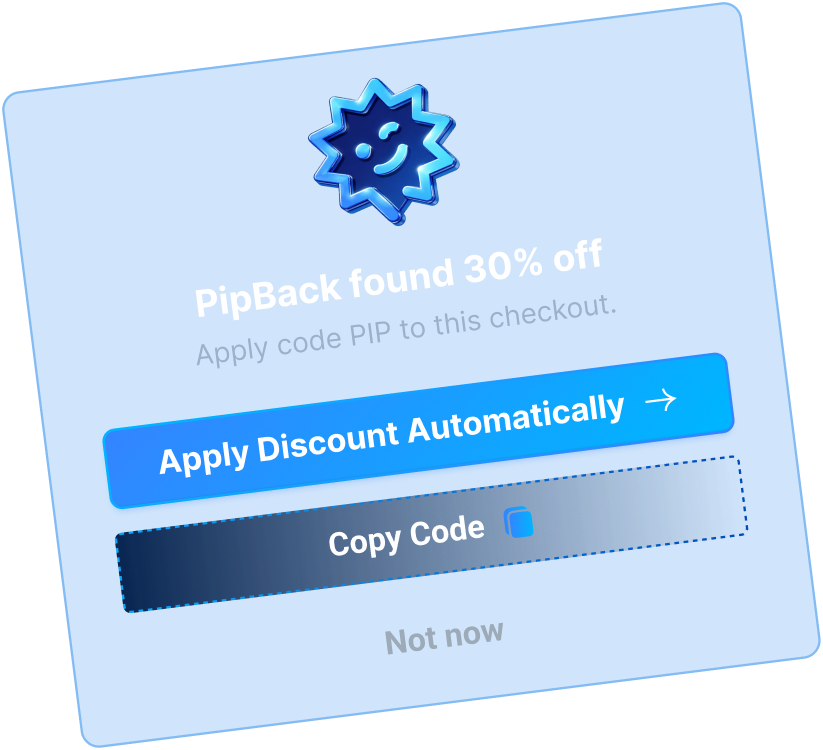
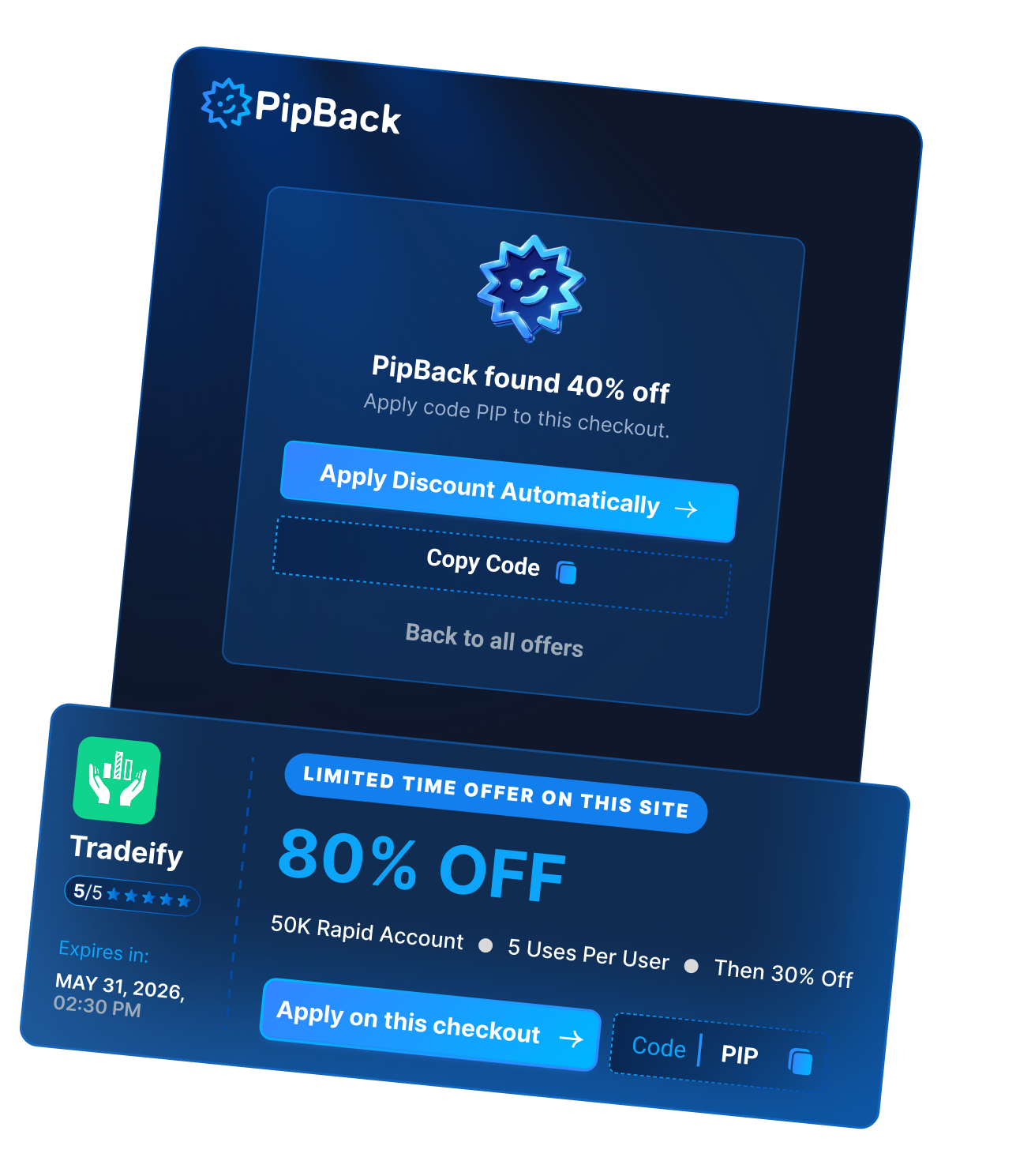
PipBack Found A Discount
When a supported checkout is detected, PipBack checks for an available partner discount.
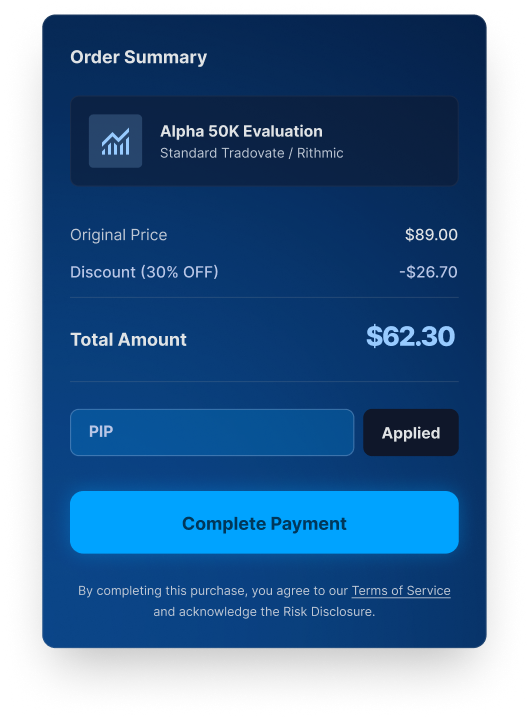
Discount Successfully Applied
PipBack verified that the code was accepted and successfully applied.
PipBack Supported Firms



You're Ready To Go
Browse supported firms as normal and let PipBack help find available discounts when they're available.